


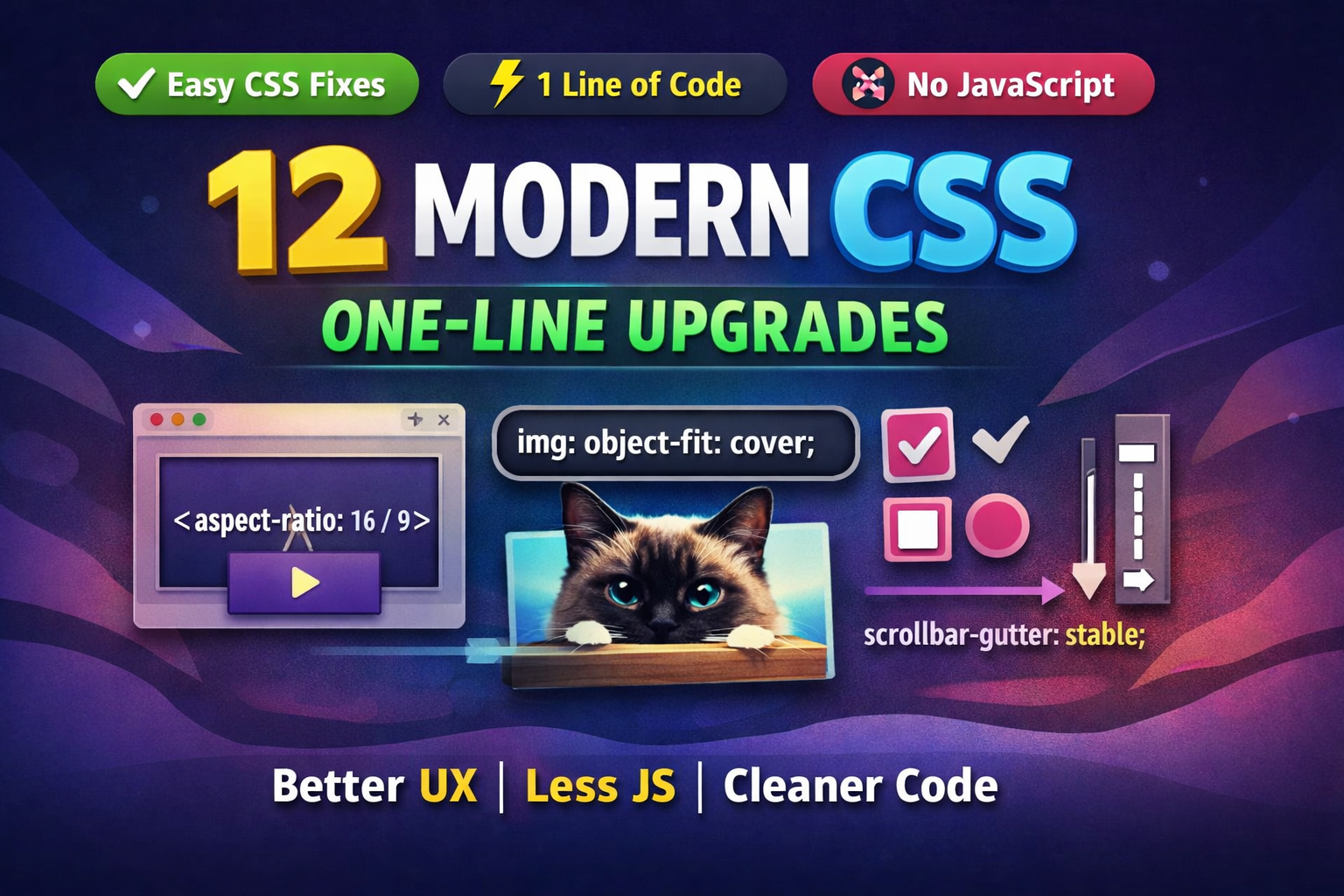
Modern CSS is finally doing what it promised years ago:
removing hacks, reducing JavaScript, and fixing UX problems with one line of code.
This post walks through 12 powerful CSS properties you can drop straight into production today. No frameworks. No polyfills. No drama.
They fall into three practical buckets:
- Stable Upgrades – replace old hacks entirely
- Stable Enhancements – improve UX with well-supported features
- Progressive Enhancements – bonus polish where supported, zero risk elsewhere
If you care about clean CSS, lower technical debt, and faster wins, this list pays for itself.
Stable Upgrades
These properties are widely supported and directly replace legacy techniques.
1. aspect-ratio
The padding-top hack can finally retire in peace.
.video {
  aspect-ratio: 16 / 9;
}

.square {
  aspect-ratio: 1;
}
Why it matters:
- No wrapper divs
- No magic percentages
- Content can still grow naturally if needed
If you want guardrails, pair it with max-width or max-height.
2. object-fit
Stop distorted images without background-image gymnastics.
img {
  object-fit: cover;
  aspect-ratio: 1;
}
Useful values:
cover– fills the box, keeps proportionsscale-down– fits entirely without cropping
Perfect companion to aspect-ratio.
3. margin-inline
Logical properties are the future. This one replaces a classic centering pattern.
/* Old */
margin-left: auto;
margin-right: auto;

/* New */
margin-inline: auto;
Benefits:
- Works with RTL languages
- Cleaner and more expressive
Stable Enhancements
Well-supported features that noticeably improve UX and readability.
4. text-underline-offset
Better link underlines without hacks.
a:not([class]) {
  text-underline-offset: 0.25em;
}
Pairs well with:
text-decoration-colortext-decoration-thickness
Improves legibility, especially in dense content.
5. outline-offset
Custom focus styles without pseudo-elements.
.button {
  outline: 2px dashed blue;
  outline-offset: 0.5em;
}
Why it’s great:
- Accessible
- Doesn’t affect layout size
- Works for both positive and negative offsets
6. scroll-margin-top
Fix anchor links hidden under sticky headers.
[id] {
  scroll-margin-top: 2rem;
}
For dynamic headers:
[id] {
  scroll-margin-top: var(--scroll-margin, 2rem);
}
No layout shift. No JS hacks unless you want precision.
7. color-scheme
Let the browser handle dark and light UI elements.
:root {
  color-scheme: dark light;
}
You can also scope it:
.dark-section {
  color-scheme: dark;
}
Form controls, scrollbars, and system colors adapt automatically.
8. accent-color
Style native form controls without rebuilding them.
:root {
  accent-color: mediumvioletred;
}
Works on:
- Checkboxes
- Radio buttons
- Range inputs
- Progress bars
Massive UX upgrade for one line.
9. width: fit-content
Shrink-wrap elements without changing layout behavior.
.badge {
  width: fit-content;
}
Why it beats inline-block:
- Keeps display value intact
- Plays better with layout systems
Bonus upgrade:
inline-size: fit-content;
Progressive Enhancements
Safe to use. Unsupported browsers simply ignore them.
10. overscroll-behavior
Prevent scroll chaining in nested containers.
.sidebar {
  overscroll-behavior: contain;
}
Ideal for:
- Sidebars
- Modals
- Scrollable panels
Stops the “why is the whole page moving?” problem.
11. text-wrap
Fix ugly line breaks in headlines and paragraphs.
Balanced headlines:
h1, h2 {
  text-wrap: balance;
}
Prevent orphan words:
p {
  text-wrap: pretty;
}
Notes:
balanceworks best for short text (up to ~6 lines)- No layout width changes, only internal line adjustment
12. scrollbar-gutter
Prevent layout shifts when scrollbars appear or disappear.
.container {
  scrollbar-gutter: stable both-edges;
}
Important:
- Only visible on systems without overlay scrollbars
- Do not replace padding with this property
Perfect for dialogs and modal backdrops.
Final Thoughts
Modern CSS isn’t about flashy tricks anymore.
It’s about removing complexity.
Each property here:
- Cuts code
- Improves UX
- Removes JS or legacy hacks
- Works today in real projects
If you adopt even three or four of these, your CSS becomes cleaner, more resilient, and easier to maintain.
One-line upgrades. Real impact. No excuses.






Leave a Reply